AI meeting notes
Meeting notes you can capture before they disappear
SpoknLog is for the moment right after a call, standup, client meeting, or hallway conversation. Tap once, say what mattered, and ask for it later in plain language.
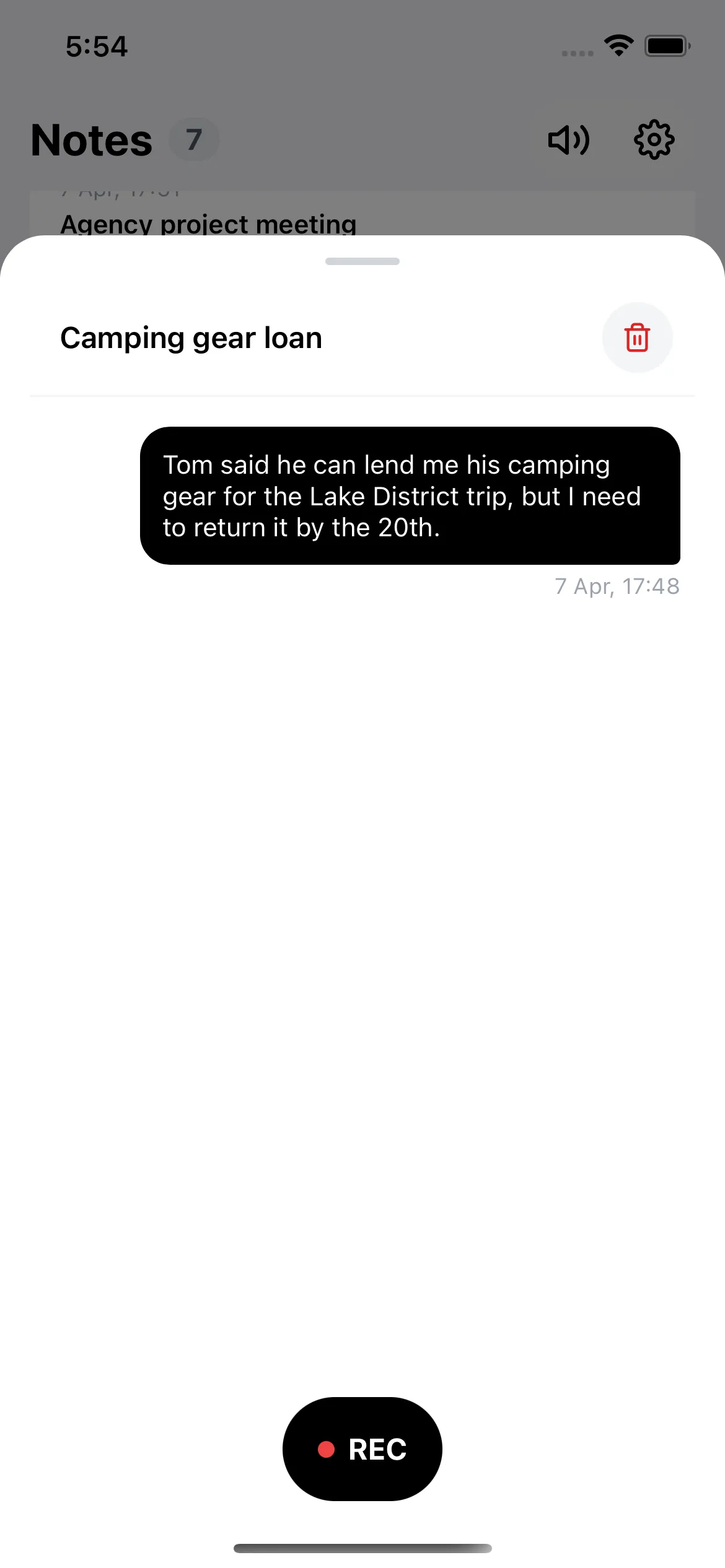
Save decisions, deadlines, people, budgets, and follow-ups without typing.
Ask questions like "what did the client say about Friday?" days later.
Keep meeting memory separate from long documents and calendar noise.
How it works in practice
Record the recap
After the meeting, speak the parts you cannot afford to lose: decision, owner, deadline, risk, and next action.
Let AI organize it
SpoknLog transcribes, summarizes, and indexes the note so it can be found without folders or tags.
Ask before you act
When you need the detail, ask naturally. SpoknLog answers from your own notes and keeps the source available.
Built for after the meeting, not during it
Some tools try to join every call and produce long transcripts. SpoknLog is lighter: it captures your own quick recap while the context is still fresh, then makes that recap searchable.
Questions you can ask later
- What did we agree about the budget?
- Who was supposed to send the contract?
- Which deadline did I promise after the sales call?
- What were the risks from the Friday meeting?
Hands-free
Hear answers spoken back while driving, cooking, or walking.
9 languages
English, Polish, German, Spanish, French, Italian, Slovak, Romanian, Ukrainian.
Audio deleted
Voice is transcribed, then removed. No data sold. No model training.
Frequently asked
Does SpoknLog join the meeting and record it?
+
No. SpoknLog is built for the recap right after the call. You speak the parts that matter — decisions, owners, deadlines — and SpoknLog turns that into a searchable note. There is no bot, no calendar integration, and no live recording.
Can I ask about a meeting days or weeks later?
+
Yes. Every recap becomes part of your searchable memory. Ask "what did we agree about the budget?" or "who was supposed to send the contract?" and the answer is generated from your own notes.
Is the audio of my recap stored?
+
No. The audio is transcribed on Microsoft Azure in your region and then permanently deleted. Only the transcription, AI summary, and search index are kept.
Does it work in my language?
+
SpoknLog supports English, Polish, German, Spanish, French, Italian, Slovak, Romanian, and Ukrainian. Recaps are transcribed in the language you speak, and answers come back in the same language.
Related
More ways to put SpoknLog to work.
Voice reminders
Say the reminder before the thought is gone
Create reminders by speaking naturally. SpoknLog understands dates and follow-ups while keeping the note searchable for later.
Searchable voice notes
Voice notes that answer back
Turn voice notes into a searchable AI memory. Record ideas and details on iPhone, then ask SpoknLog to find the answer later.
Voice Memos alternative
SpoknLog vs Apple Voice Memos
Compare SpoknLog with Apple Voice Memos for searchable notes, AI answers, reminders, privacy, and everyday memory capture.
Voice recorder alternative
SpoknLog vs ordinary voice recorder apps
Compare ordinary voice recorder apps with SpoknLog, an AI voice notes app that transcribes, summarizes, indexes, and answers questions from your notes.